
Download OxygenOffice Professional – free office suite, document editor, template library, clipart collection, PDF management, VBA support, productivity tool, desktop software, open source, Microsoft Office alternative
Overview
OxygenOffice Professional presents itself as an enhanced version of the open-source OpenOffice suite, designed for users seeking a robust, free alternative to commercial office software. Targeted primarily at individuals and professionals who value both flexibility and functionality, the app aims to bridge the gap between basic open-source tools and the advanced capabilities found in proprietary platforms. It is especially suited for those who require more than standard OpenOffice offers—particularly in document design, automation, and compatibility with Microsoft Office workflows.
The application addresses common pain points such as limited template availability, lack of visual assets, and insufficient support for legacy automation scripts. By integrating a rich library of templates, a vast clipart collection, and VBA support, OxygenOffice Professional enhances productivity across a wide range of use cases—from creating business proposals and reports to designing marketing materials and managing PDFs directly within the suite.
Although the developer did not provide additional technical details about their background or development philosophy, the app's release date of May 19, 2008, suggests it was built during a period of growing demand for open-source office tools. Its continued relevance in the productivity ecosystem stems from its ability to offer extended functionality without cost, making it a notable choice for budget-conscious users and organizations seeking sustainable software solutions.
Key Features & Functionality
- Extensive Template Library: Users gain access to a wide variety of professionally designed templates tailored for business, academic, and creative projects. These templates streamline document creation by offering ready-made structures, reducing setup time and ensuring consistent formatting across files.
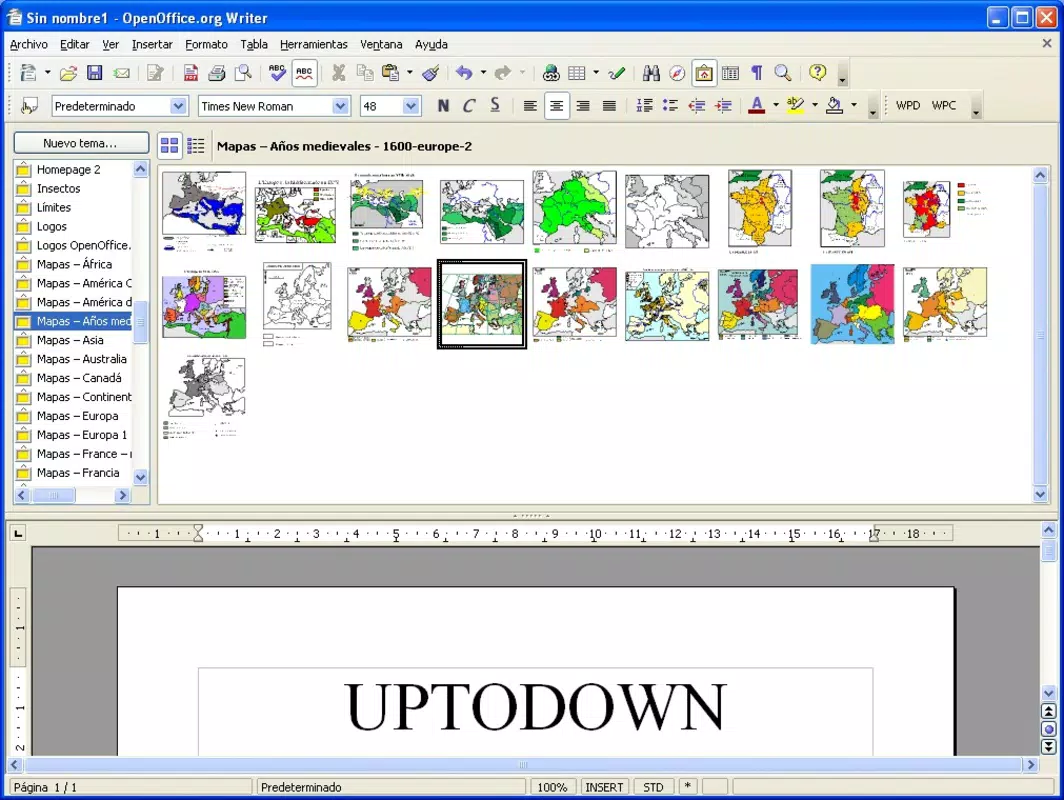
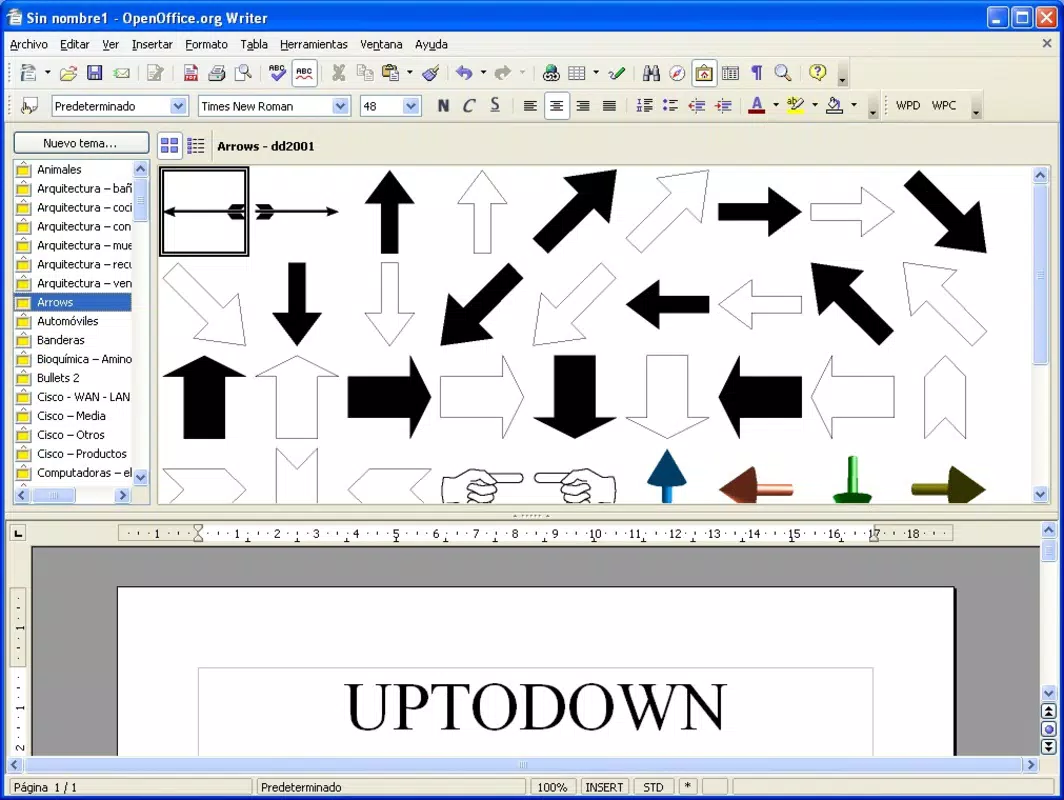
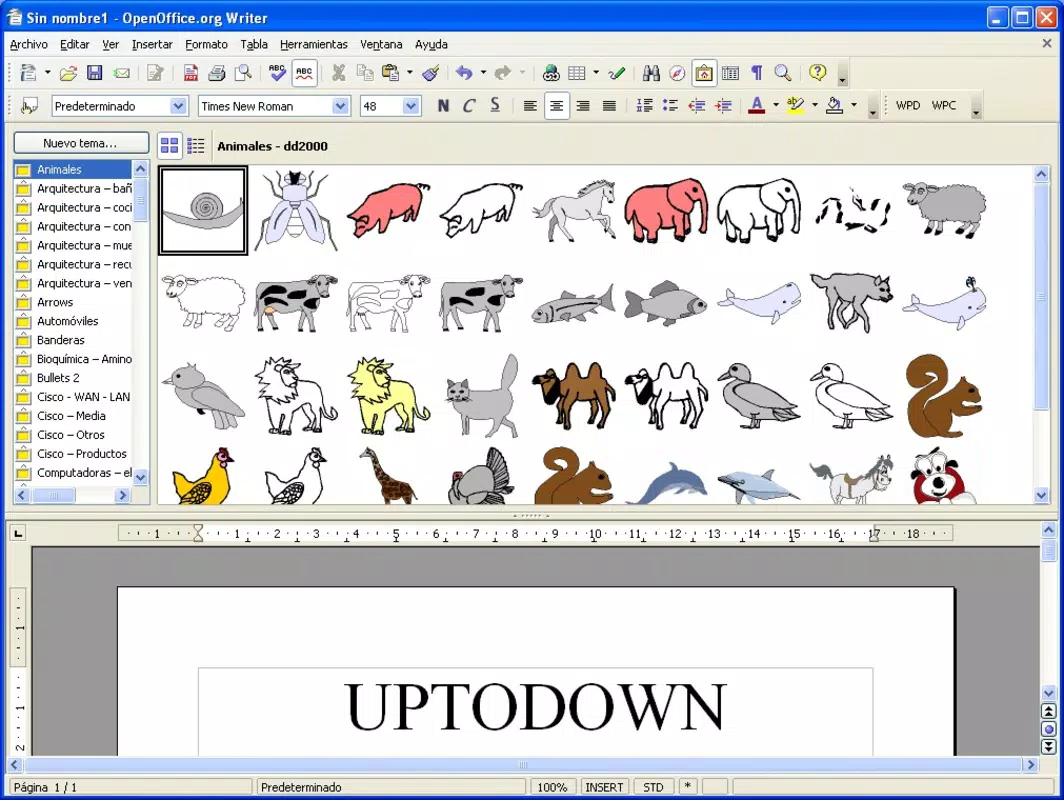
- Rich Clipart Collection: With over 3,400 cliparts included, users can visually enrich their documents without relying on external sources. This feature supports quick design enhancements in presentations, flyers, and reports, improving visual engagement and professionalism.
- Multiple Font Options: The availability of 90 different fonts allows for greater typographic control, enabling users to match branding guidelines or achieve specific aesthetic goals. This flexibility supports both formal documentation and creative expression.
- VBA Support: A significant upgrade over standard OpenOffice, this feature allows users to run macros written in Visual Basic for Applications. This compatibility is crucial for those transitioning from Microsoft Office, ensuring seamless execution of automated tasks and preserving existing workflows.
- Integrated PDF Management: The built-in PDF manager enables users to create, view, and edit PDF files directly within the suite. This eliminates the need for separate tools and simplifies workflows involving document sharing, archiving, and collaboration.
Real-world applications include preparing client proposals with branded templates, designing promotional materials using cliparts, and automating repetitive tasks through VBA scripts. The integration of these features makes OxygenOffice Professional a versatile tool for freelancers, educators, small businesses, and non-profits seeking a capable, cost-free office environment.
Interface, UX & Performance
The user interface of OxygenOffice Professional reflects a traditional desktop application layout, emphasizing functionality over modern minimalism. Navigation is structured around familiar menus and toolbars, which may appeal to users accustomed to legacy office suites. The visual style remains consistent with the design principles of early 2000s desktop software, prioritizing accessibility and ease of use over aesthetic innovation.
Users can expect a straightforward workflow: launching the app, selecting a template, customizing content with built-in tools, and exporting or sharing the final document. The interface supports multi-window operations and document tabbing, which enhances multitasking efficiency. However, the developer did not list formal performance metrics, and no information was provided about responsiveness on low-end systems or newer hardware.
Although the developer did not list formal performance metrics, the app’s file size of 127.3 MB suggests it is optimized for systems with moderate resources. Stability is assumed based on its long-standing presence, but users should be aware that updates have not been released since 2008. This may impact compatibility with modern operating systems and security standards.
Platform Compatibility & Technical Requirements
OxygenOffice Professional is designed for the Windows platform and was released on May 19, 2008. The app has a file size of 127.3 MB, indicating it is a standalone desktop application requiring installation. Specific system requirements such as minimum OS version, RAM, or processor specifications were not listed by the developer.
Compatibility information was not fully disclosed, so users should exercise caution when attempting to install the software on newer Windows versions. While it may function on older systems like Windows XP or Vista, its performance and stability on modern Windows 10 or Windows 11 installations cannot be guaranteed without further testing. The absence of recent updates raises concerns about long-term compatibility and security.
Pros and Cons
Pros
- Free to download and use, offering strong value for budget-conscious users.
- Extensive template library supports diverse document creation needs.
- Large clipart collection enhances visual content without external dependencies.
- Support for VBA enables automation and compatibility with Microsoft Office workflows.
- Integrated PDF management simplifies document handling within a single environment.
Cons
- No recent updates since 2008, raising concerns about compatibility and security.
- Developer did not provide system requirements or performance data.
- Interface design may feel outdated compared to modern office applications.
- Not available on mobile platforms or macOS, limiting cross-device accessibility.
- File size is relatively large for a legacy application, which may affect storage on low-capacity devices.
FAQ
Is OxygenOffice Professional free to use?
Yes, the app is available at no cost. It is distributed as free desktop software under an open-source model.
Can I use OxygenOffice Professional on Windows 10 or Windows 11?
The developer did not specify compatibility with modern Windows versions. While it may run on older systems, performance and stability on Windows 10 or 11 are not guaranteed.
Does OxygenOffice Professional support Microsoft Office file formats?
Yes, it supports common file formats used by Microsoft Office, including .doc, .xls, and .ppt, and includes VBA support for enhanced compatibility.
Is the software secure to download and install?
As a legacy application released in 2008, it has not received security updates. Users should exercise caution and ensure their system has up-to-date antivirus protection before installation.
Can I update OxygenOffice Professional to a newer version?
No updates have been released since its initial launch in 2008. The current version remains static, and no official update mechanism is available.
Final Thoughts
OxygenOffice Professional stands as a historically significant tool in the landscape of free office software, offering a compelling blend of templates, visual assets, and automation features that extend beyond standard OpenOffice. While its outdated interface and lack of recent updates present notable limitations, its core functionality—especially VBA support and integrated PDF management—remains relevant for users still relying on legacy workflows.
It is best suited for individuals or organizations using older Windows systems who need a free, feature-rich alternative to Microsoft Office. For modern users, the absence of updates and potential compatibility issues may outweigh its benefits. However, for those seeking a no-cost solution with extended capabilities, it remains a viable option.
Download OxygenOffice Professional now


